Interface and Interaction with the System |
  
|
Interface and Interaction with the System |
|
There are new customizable instruments for selecting the objects. Now you can select objects with either right mouse button, or left mouse button with the help of a rectangular, a lasso or a cutting line with or without selecting invisible objects. Auxiliary window visibility is now set by means of hot keys. The element list under the cursor is now customizable: the user can specify the list appearance time and its transparency in the system settings. Materials and 3D Model windows are improved considering the users’ feedback.
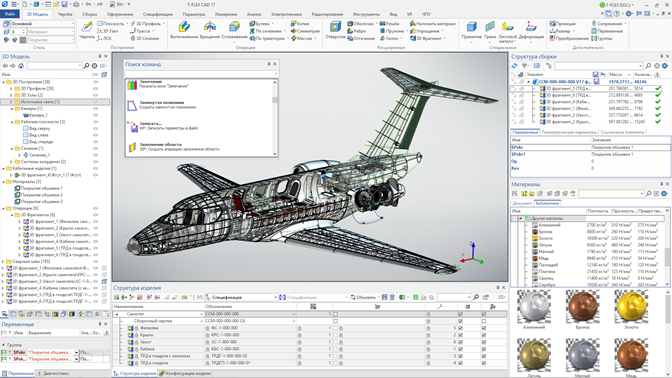
Topics in this section:
•Quick Navigation between Pages
•Highlighting the Parameters of Operation/Commands
•Selecting 2D and 3D Object - Updated Selector
•Filter of Selection by Geometric Type
•Customizable Element Set Under Cursor
•"Model Configurations" window
•"Materials" Window Improvement
•Material Libraries Visibility Control
•"3D Model" Window Improvement
•Setting Color and Transparency on Faces